
Unlocking Joplin’s Power – Integrating with Ollama for AI-Powered Note Taking
Introduction
Joplin is a versatile note-taking app that empowers users to capture ideas, organize thoughts, and manage information effectively. However, its power can be further amplified by integrating it with Ollama, an open-source large language model. This integration unlocks a world of possibilities for enhanced note taking, content creation, and knowledge management.
Benefits of Integrating Joplin and Ollama
Integrating these two tools offers several advantages:
- AI-Powered Note Summarization: Ollama can summarize lengthy notes or entire notebooks, providing concise overviews of key information. This saves time and effort while ensuring you don’t miss crucial details.
- Enhanced Content Creation: Joplin’s notes can be enriched with AI-generated content, such as summaries, outlines, and even creative writing prompts. Ollama’s language capabilities allow for generating text based on your input or specific prompts.
- Automated Task Management: Ollama can help automate tasks like scheduling meetings, creating reminders, and managing to-do lists directly from your Joplin notes. This streamlines workflow and boosts productivity.
How to Integrate Joplin and Ollama
Integrating these tools is relatively straightforward:
1. Install the Ollama API: You’ll need to install the Ollama API on your server or use a cloud service that supports it.
2. Configure Joplin Plugins: Explore plugins like “Joplin-Ollama” or “Joplin-LLM” for seamless integration with Ollama. These plugins allow you to interact with Ollama directly from within Joplin.
Example Use Cases
Here are some practical examples of how this integration can be used:
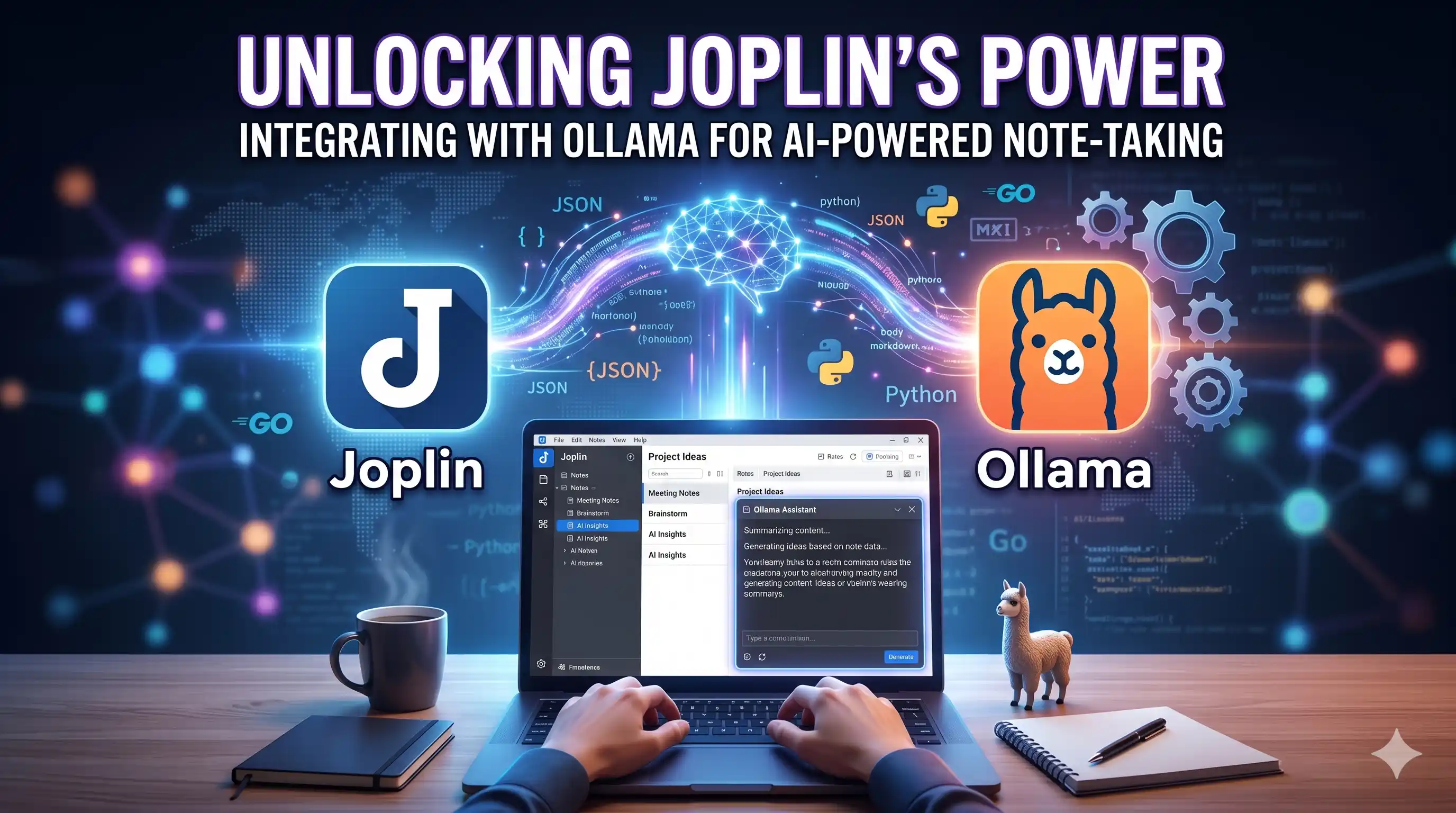
- Summarizing Meeting Notes: After a meeting, use Ollama’s summarization capabilities to generate concise summaries of key points and action items.
- Generating Content Ideas: Use Ollama to brainstorm ideas for blog posts, articles, or even creative writing projects based on your Joplin notes.
- Automating Task Management: Use Ollama to create reminders, schedule meetings, and manage tasks directly from your Joplin notes.
Conclusion
Integrating Joplin with Ollama opens up a world of possibilities for note-taking, content creation, and knowledge management. By leveraging the power of AI, you can streamline your workflow, enhance your productivity, and unlock new levels of creativity in your note-taking experience.